Example
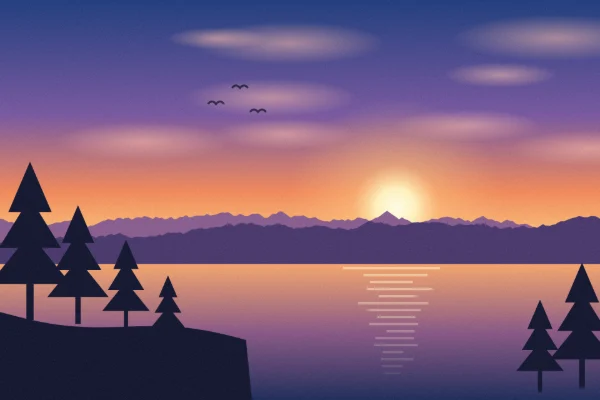
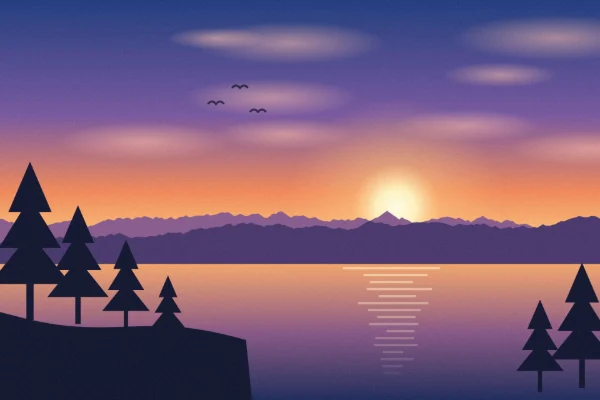
A 1920 × 1280 px image converted from PNG (4.16 MB) to JPEG at quality 80 (278 KB): about 1/15 of the size, with almost no visible difference.
How to compress an image
- Choose an image — click “Choose image” or drag and drop it. Compression starts right away.
- Enter a target size — type the size you need, such as 1MB or 200KB, or tap one of the common sizes.
- Check the result — the new file size and how much it was reduced are shown. Use “Compare” to view it next to the original.
- Download — click “Download” to save exactly the image you see.
Features
Compress to a specific file size
Enter a target and the tool finds the highest quality that still fits. Handy for upload forms, job applications and websites with a “max 1MB” limit.
Set the quality yourself
Switch to “Quality” to pick the level with a slider. The preview and file size update as you move it, so you can find the right balance.
Save as JPG, WebP or PNG
Use JPG for photos, WebP for the smallest files, or PNG to keep transparency. PNG is made smaller by reducing the number of colors, which works best for illustrations and screenshots.
Honest results
If the target can’t be reached even at the lowest quality, the tool tells you and shows the actual size. Allow it to reduce the image dimensions and it can go smaller.
Great for
- Upload forms with a file size limit
- Making photos small enough to email
- Faster-loading images for blogs and websites
- Sending large phone photos through chat apps and social media
Tips for smaller files
- Photos compress best as JPG or WebP. WebP is usually smaller than JPG at the same quality, though some sites don’t accept it.
- If a PNG barely gets smaller, it probably has lots of colors, like a photo. If you don’t need transparency, choose JPG or WebP.
- For very small targets, turn on “also reduce the image dimensions” so the quality doesn’t have to drop as much.
FAQ
Are my images uploaded to a server?
No. Everything — opening, compressing and saving — happens in your browser. Your images are never sent to or stored on a server.
Is it free? Do I need an account?
It’s completely free, with no sign-up or login.
How many bytes is “1MB”?
1MB is counted as 1,000,000 bytes and 1KB as 1,000 bytes. So the file also fits sites and computers that count 1MB as 1,048,576 bytes.
How much quality will I lose?
It depends on the target. Cutting the size in half usually makes little visible difference. You can check with “Compare” before saving.
The compressed file is bigger than the original. Why?
This happens when the original is already well compressed, or when you change the format (for example to PNG). Use the original as it is, or choose a smaller target.
Is photo metadata (EXIF, location) kept?
No. The saved image doesn’t include the date taken, location or other metadata.
Does it work on my phone?
Yes, in the browser on iPhone and Android. Very large images are scaled down automatically to fit your device’s memory.